Documentation
ADvantage Premiere® Password Manager (SSPR) Documentation
ConfigurationCenter
Domain Management
When adding a managed domain, the first domain added, must be the primary domain.
Example:
Scenario: You have 3 domains
domain1.local
domain2.local
domain3.local
Lets say that your instance of the ADvantage Premiere® Password Manager is a member of the domain: domain2.local, then domain2.local must be the first domain added.
It is recommended to use a dedicated domain service account with Domain Admin privileges.
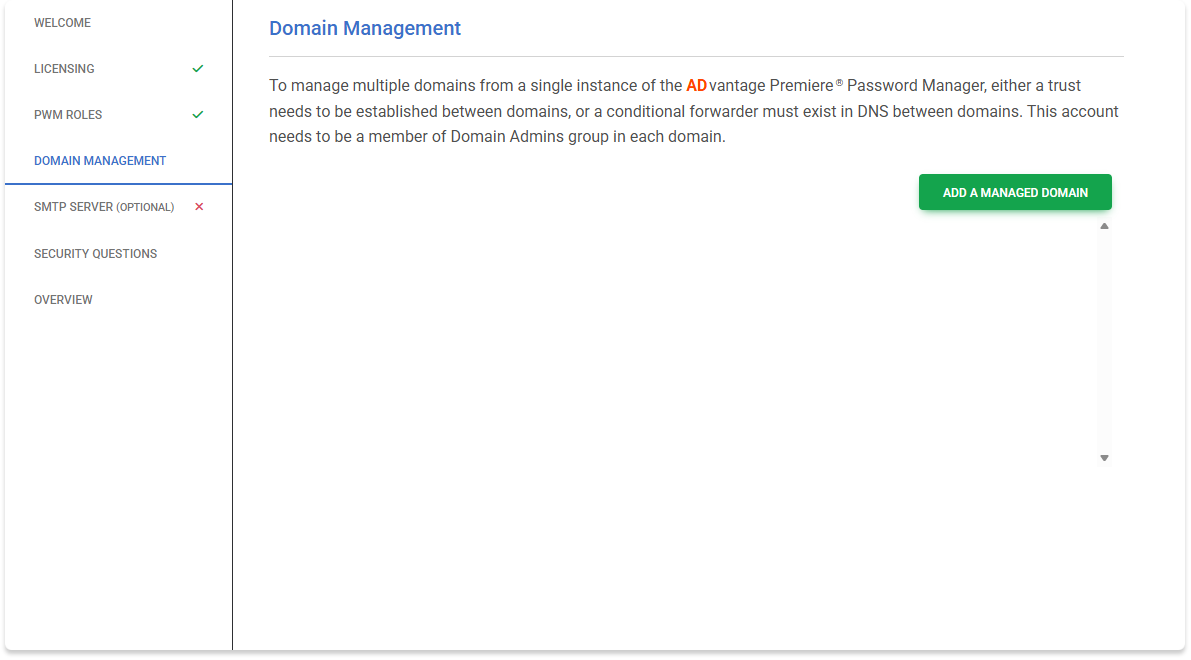
- Click ADD A MANAGED DOMAIN as shown in the screenshot below
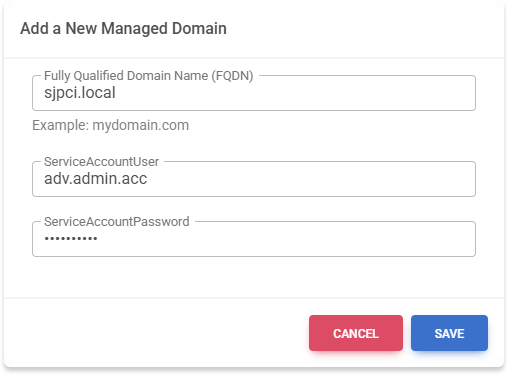
- Enter the FQDN of the domain
- Enter the Domain Service Account
- Enter the Domain Service Account Password
- Click SAVE
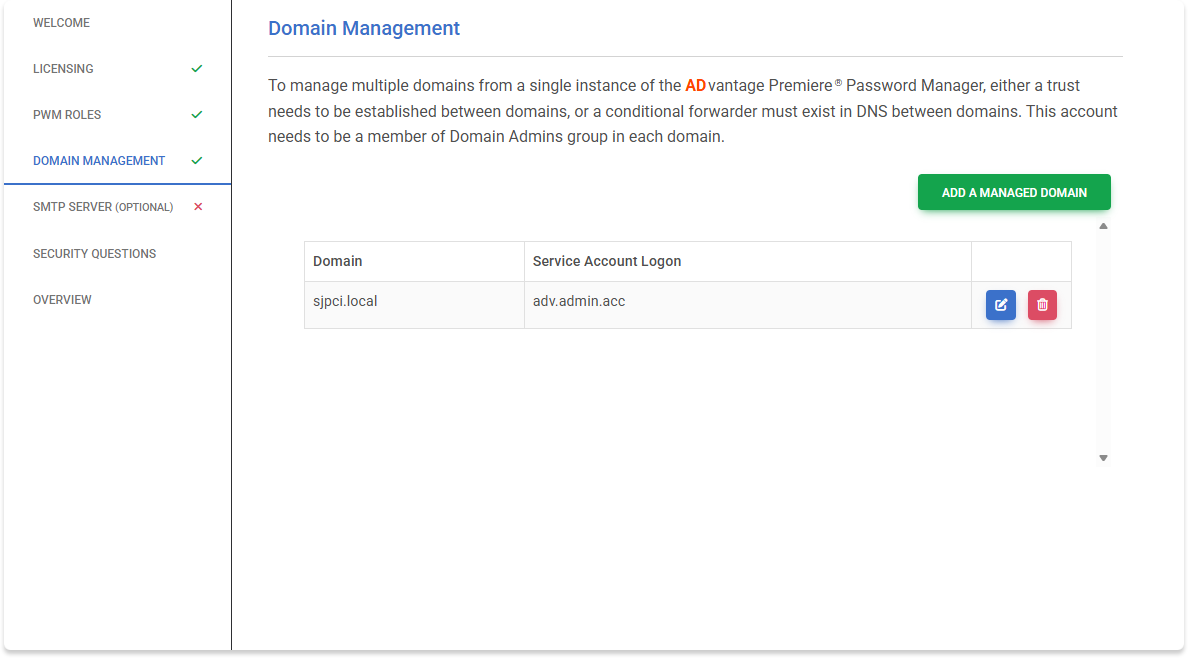
When each domain is added, it will show up in the table as below
If you want to add multiple domains, a DNS conditional forwarder or a domain trust is required for communication between domains.