Documentation
ADvantage Premiere® Password Manager (SSPR) Documentation
Administration
Notifications
The Notifications section is used for global settings that affect the ADvantage Premiere® Password Manager.
Administrators can opt to change the following setting(s)
Enable/Disable automatic enrollment reminders (Enabled by default)
- Some administrators may not want to automate enrollment reminder email notifications; they may prefer to send them manually.
- When a new Active Directory account is created, depending on the role configured in the ConfigurationCenter for the ADvantage Premiere® Password Manager Users Group, once an email address is entered on the Active Directory account and the change is committed, the account is placed in a queue to have an enrollment email notification fired to the user to enroll in the ADvantage Premiere® Password Manager
- Having this enabled, will send an enrollment reminder email every 24 hours until the user enrolls.
More settings to come soon
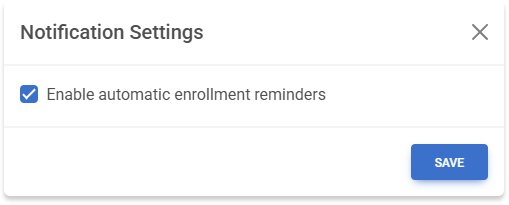
To change a Notification Setting, simply check or uncheck the checkbox of the corresponding notification setting and click SAVE